

Repair café software for registration, repairs and reporting
RepairManager is repair café management software built by people who run sessions. It replaces the clipboard with one system for visitor registration, the repair queue, PAT testing records, live displays and the reports you need afterwards.
Free for 30 days · then £25 / month · cancel any time
What the software covers
Everything below is included in the single plan — from repair cafe registration software at the door through to tracking outcomes across every session.
Visitor registration
Register visitors and items at the welcome desk in seconds, or let people register themselves from a QR code on a phone or kiosk.
Pre-registration
Visitors can log items before the session so you know what is coming, which skills you need and how busy the day will be.
Queue management and repair allocation
See every waiting item in one queue, group by category, and allocate work to the repairer best suited to it.
Repair records
Each item carries its own record: category, fault description, work done, parts used, outcome and timestamps for every step.
PAT testing
Record pre- and post-repair PAT results against the item, together with the person who carried out each test.
Live queue displays
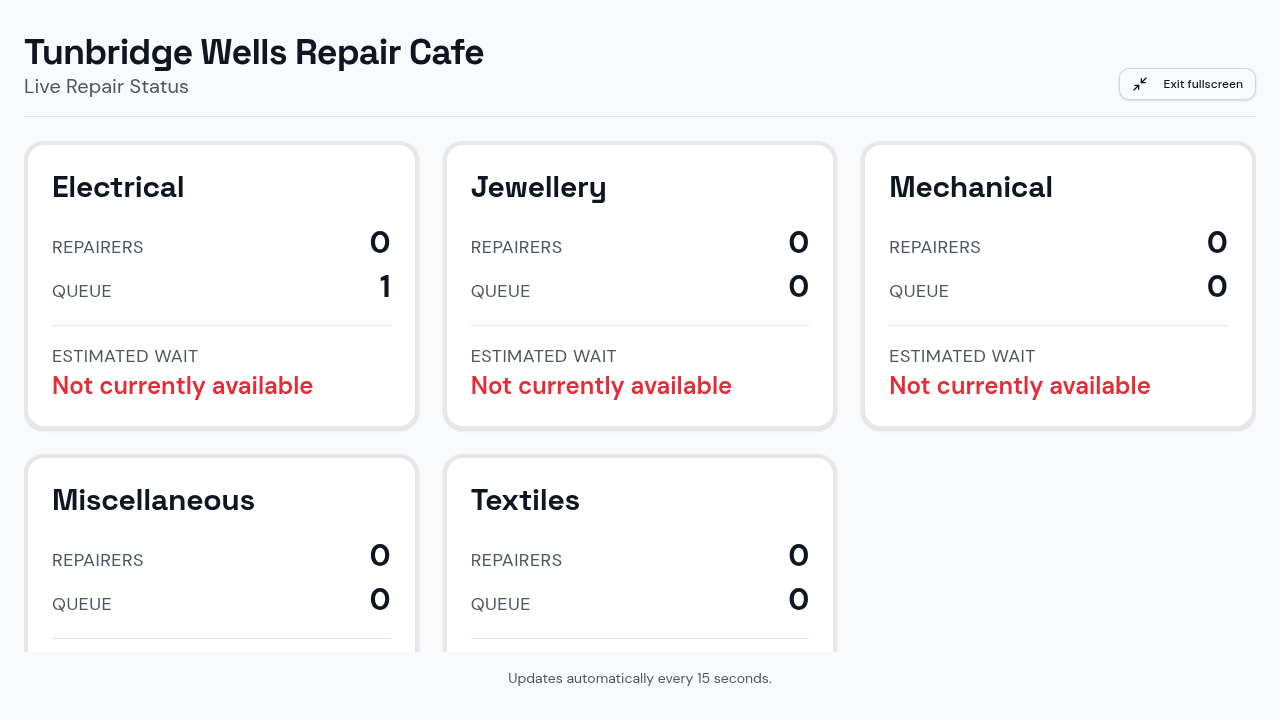
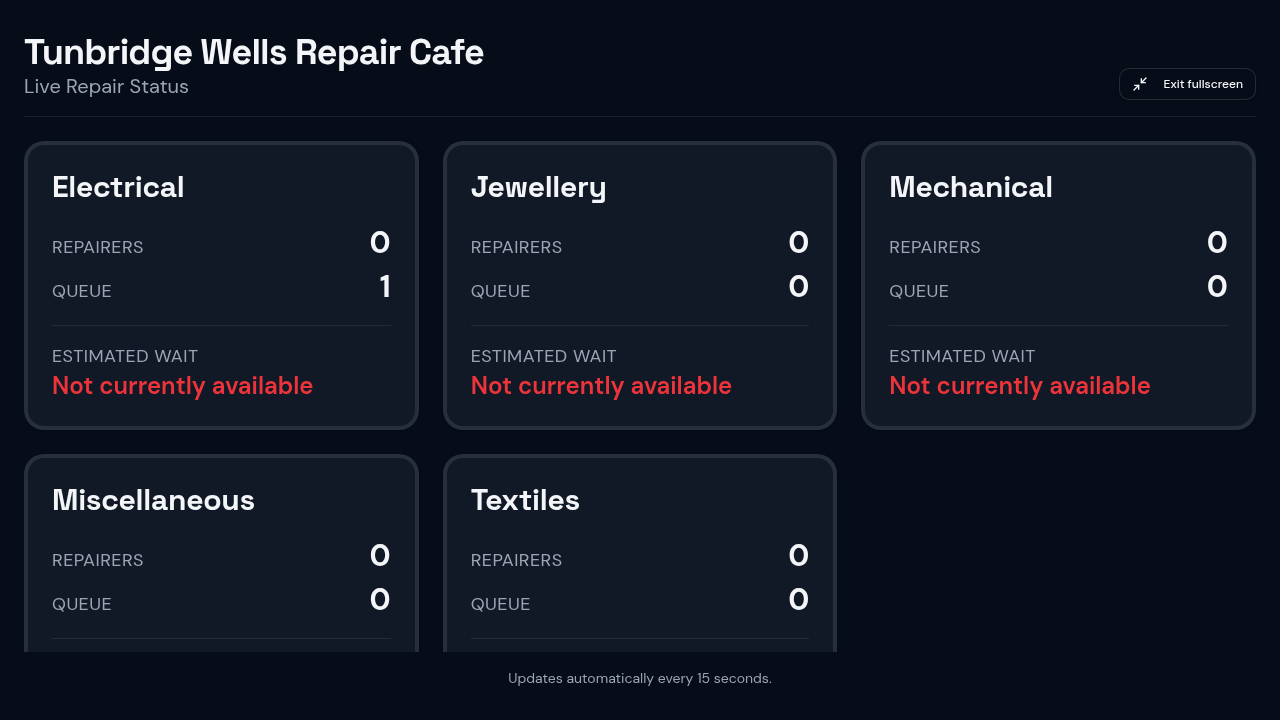
A scrolling status board for the room, so visitors can follow their item and estimate their wait without asking the desk.
Visitor repair-status tracking
Visitors can check where their item has reached, and the desk can answer any question without hunting through paperwork.
Analytics and reporting
Session totals, repair outcomes and category breakdowns you can use for funders, councils and your own planning.
Multi-café management
Run several cafés from one account with staff, admin and owner roles, so each location keeps its own data and sessions.
Equipment management
Keep track of the tools and test equipment each café holds, so nothing goes missing between sessions.
Audit logs
Every change is logged with the user and time behind it — useful for safety records and for reviewing a session afterwards.
Payments where appropriate
Where your café charges for parts or takes donations, you can note it against the repair rather than on a separate sheet.
From the welcome desk to the exit
A session runs in one flow: a visitor registers, the item joins the queue, a repairer is allocated, the work and outcome are recorded, an electrical item gets its PAT test, and the visitor collects it.
Because it is one repair café management system rather than several sheets of paper, nothing is lost between the desk and the bench — and the live display keeps visitors informed without anyone being interrupted.
- One record per item, timestamped at every step
- PAT results stored against the item and the tester
- Outcome reporting you can share with funders
Who uses repair cafe tracking software
New cafés
Starting out? Set the café up before your first session and you will have registration, the queue and PAT records ready on day one. Our guide to starting a repair café walks through venue, volunteers and insurance.
Established cafés on paper
If items go missing between the desk and the bench, or you cannot say how many repairs you completed last year, moving visitor registration and repair tracking into one system fixes both problems at once.
Groups running several locations
Software for repair cafes with more than one venue: each café keeps its own sessions, staff and equipment, while owners see the whole picture.
Try it before your next session
£25 per month after a 30-day free trial. Cancel any time.